PWM flicker minimization
By combining hardware and software dimming at specific thresholds, Lunar can help people sensitive to PWM flickering.
The below video shows how you can use the Halide iOS app to find the lowest brightness where flickering starts to appear.
How to use it
For 2021 Apple Silicon MacBooks, adjust the Min
Brightness to 38 in Display Settings to get
advantage of this.
Lunar will then use Sub-zero Dimming below that value, which keeps the LED voltage steady while blocking light using the LCD.
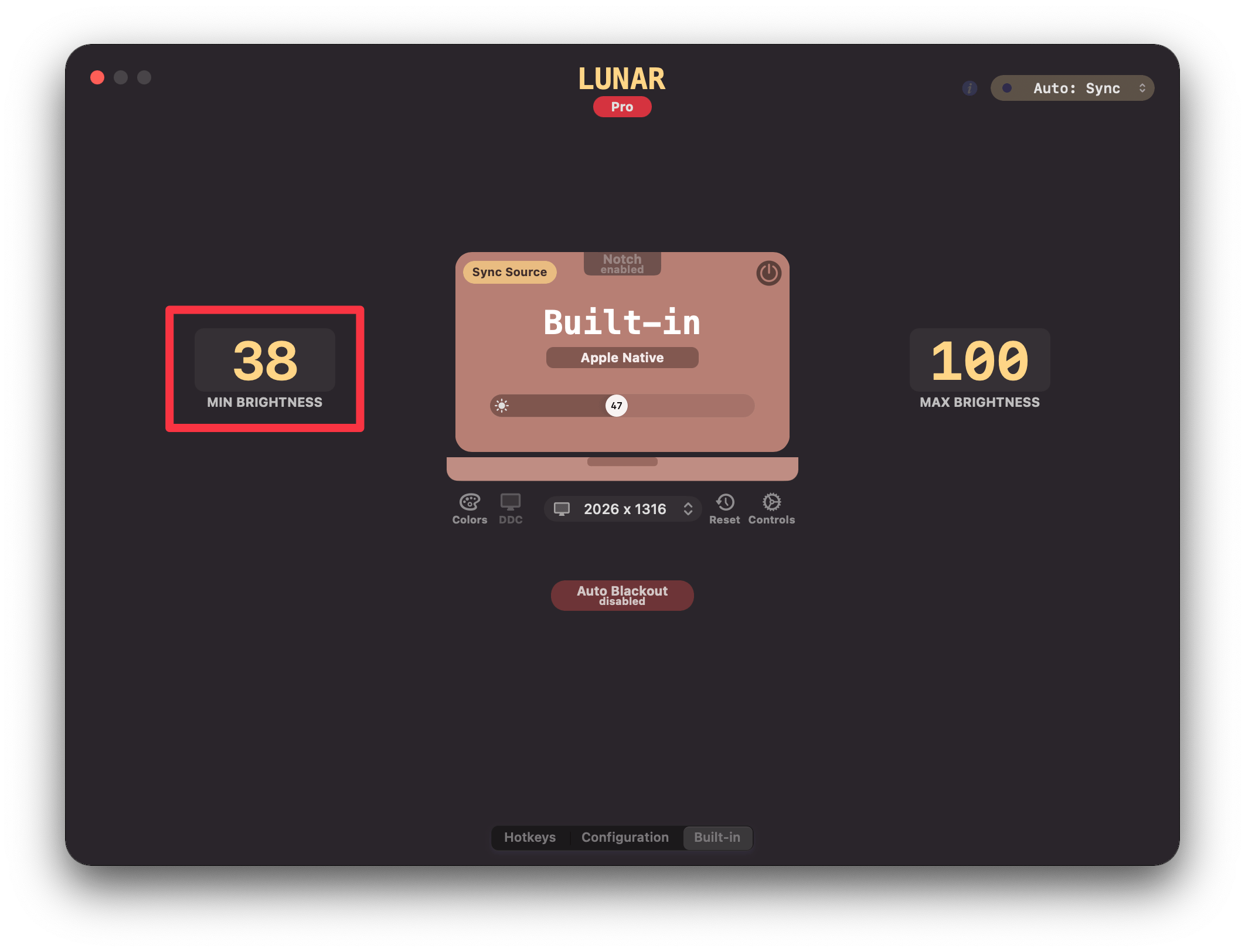
For external monitors and other screens, play with the Min Brightness setting until you find the threshold under which PWM flicker becomes noticeable.
Then set the minimum brightness to the lowest value that doesn't cause flicker.